Using kubectl on my homelab from my laptop
Once k3s was running I didn't want to SSH into the server every time I wanted to run kubectl. This is how I made the cluster reachable from my working machine. I already had kubectl installed and a ~/.kube/config with other clusters in it, so the goal was to add the homelab alongside them without breaking anything.
In this guide the server is node-01. Replace <server-ip> with its LAN IP.
The problem with the default kubeconfig
k3s writes its kubeconfig to /etc/rancher/k3s/k3s.yaml on the server. Two things make it unusable as-is from another machine:
- It points at
https://127.0.0.1:6443, which is the server talking to itself. - It names the cluster, user and context all
default. Fine on the server, confusing (or a collision) next to other clusters.
So we make a copy, fix both, and bring that copy over.
1. On the server: make a cleaned-up copy
sudo sed -e 's/127.0.0.1/<server-ip>/' \
    -e 's/\bdefault\b/homelab/g' \
    /etc/rancher/k3s/k3s.yaml > ~/homelab-kubeconfig.yaml
First replacement swaps loopback for the server's LAN IP. The TLS cert k3s generated already includes that IP (it adds the node IP as a SAN), so verification still works. Second one renames everything from default to homelab. The original file isn't touched.
Check it looks right:
grep -E 'server:|name:' ~/homelab-kubeconfig.yamlYou want server: https://<server-ip>:6443 and three lines that say name: homelab.
2. On your machine: copy it over
scp user@<server-ip>:~/homelab-kubeconfig.yaml ~/.kube/homelab.yaml3. On your machine: tell kubectl about it
Two ways to do this. Pick one.
Option A: keep it as a separate file
Add this to your ~/.bashrc or ~/.zshrc:
export KUBECONFIG=~/.kube/config:~/.kube/homelab.yamlkubectl reads every file in the colon-separated list. Your existing config stays untouched and the homelab file stays standalone, which is handy when you rebuild the cluster and just need to replace one file.
The catch: KUBECONFIG is an environment variable, so only things launched from a shell that has it set will see the homelab. Some GUI tools and IDE plugins only look at ~/.kube/config.
Option B: merge into one file
cp ~/.kube/config ~/.kube/config.bak
KUBECONFIG=~/.kube/config:~/.kube/homelab.yaml kubectl config view --flatten > ~/.kube/config.merged
mv ~/.kube/config.merged ~/.kube/config
chmod 600 ~/.kube/config
rm ~/.kube/homelab.yaml
This loads both files, then writes them back out as one. --flatten embeds certificates inline instead of referencing file paths. The .merged step is there because you can't redirect straight into a file you're also reading from. Works with every tool, no env var to forget.
I went with B because I have a mix of tools and didn't want to think about which ones respect KUBECONFIG.
4. Try it
kubectl config get-contexts
kubectl config use-context homelab
kubectl get nodes
homelab should show up next to your other contexts. After switching, get nodes should list your cluster nodes.
If you don't want to change your current context, you can target it directly:
kubectl --context homelab get nodes5. Clean up
Back on the server:
rm ~/homelab-kubeconfig.yamlThat file is a cluster-admin credential. Don't leave copies around.
Tips for juggling multiple clusters
- kubectx makes switching contexts a lot faster than
kubectl config use-context. - Put the current context in your shell prompt (starship and powerlevel10k both support this). It's the cheapest insurance against running a
deleteon the wrong cluster.
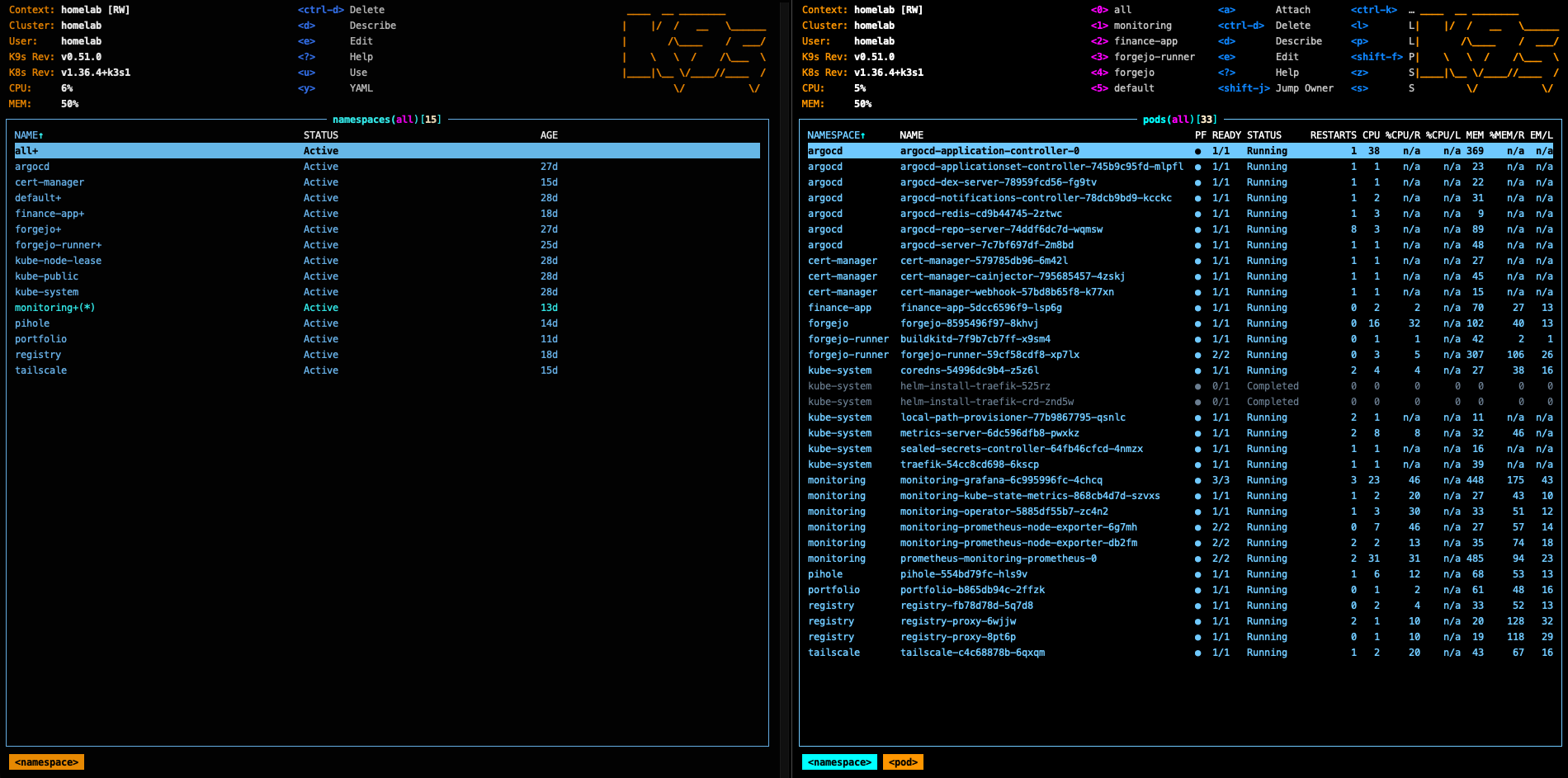
k9s reads the same kubeconfig, so the homelab shows up there too. It names the context, cluster and user at the top left: